July 31, 2026
How to Use Technology in Teaching
A practical guide to using technology in teaching without distraction, covering selection, active use, and routines that keep screens serving the lesson.
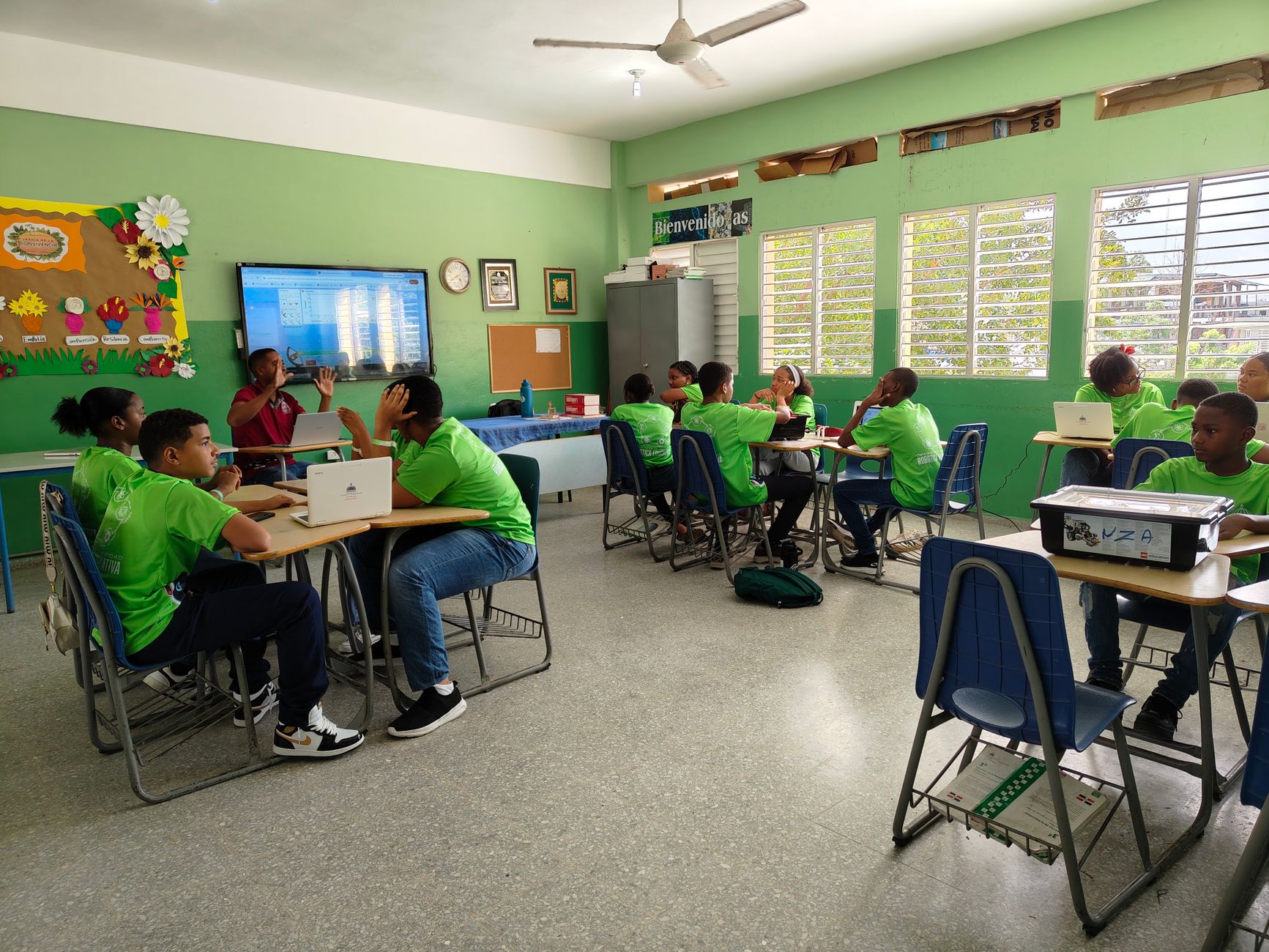
The direct answer: you use technology in teaching well by choosing one tool that serves a clear goal, keeping students active while they use it, and setting routines that stop screens from becoming a distraction. This guide gives a selection and usage framework you can apply whether you have one device or a cart for every student.
Technology in Teaching at a Glance
| Question | Answer |
|---|---|
| What is the first rule? | Pick tech that serves a goal, not tech for its own sake. |
| How should students use it? | Actively, producing or retrieving, not just watching. |
| What prevents distraction? | Clear routines and a visible task with a time limit. |
| Is paper still useful? | Yes. Low tech often beats high tech for thinking time. |
| Do I need to be an expert? | No. Learn one tool well before adding another. |
Choose Tools That Serve a Goal
Every tech addition should answer one question: what will students do with it that they could not do as well without it? A whiteboard app helps when students collaborate at distance. A short explainer video helps when they need to revisit a step at home. If a tool has no clear job, it is decoration Educational technology (Wikipedia).
The research on this point is blunt. A 2014 meta analysis of STEM courses found that active learning, where students do the work, raised exam scores and cut failure rates compared with passive lecture, regardless of the medium Active learning increases student performance in science, engineering, and mathematics (Freeman et al., 2014). Technology is a delivery channel, not the cause of learning.
Resist the urge to adopt everything at once. Learn one tool, use it until it is routine, then consider the next. Teachers who master fewer tools get better results than those who chase every new app.
Keep Students Active, Not Passive
The risk with screens is that they turn a class into a viewing party. Use tech for production and retrieval. Have students write, answer, build, or quiz, then show the result. A video is fine as a short input, but the learning happens in the active step after it.
Low stakes retrieval practice is one of the most reliable ways to make screen time count. A quick self quiz at the end of a digital lesson does more for retention than a longer passive review. The key is that students produce answers, not just consume content.
Set Routines That Limit Distraction
Distraction is the main cost of classroom tech. Set a clear rule: devices closed unless the task says open. Put the task on the board with a time box so students know when the screen is earned and when it is put away.
A simple routine beats a complex monitoring system. Most students follow a visible expectation more than a hidden filter. When the task, the time, and the end state are all named, the device has a job instead of a temptation.
Blend Low Tech and High Tech
Paper still earns its place. Handwritten notes and drawn diagrams slow thinking in a useful way that typing can miss. Use paper for first drafts and brainstorming, then tech for sharing, quizzing, and review.
This blend also protects you when the wifi fails, which it will at the worst moment. A class that can pivot to paper is a resilient class.
A Simple Adoption Plan
When a new tool enters your room, the rollout matters as much as the tool.
- Week one: pilot with one small task, not a full unit.
- Week two: check what actually changed in student work, not just engagement.
- Week three: keep it only if it earned its place, otherwise drop it.
- Ongoing: teach the routine once, then trust it rather than policing it.
The point is to add tech with evidence, not enthusiasm. A tool that survives three weeks of real use is worth more than five that looked exciting in August.
Matching the Tool to the Task
Not every lesson needs the same technology. A useful way to decide is to name the cognitive job first, then pick the tool.
| Lesson goal | Better tech choice | Why |
|---|---|---|
| Introduce a new idea | Short video or demo | A clear input sets the stage. |
| Practice a skill | Quiz or response tool | Retrieves, does not consume. |
| Collaborate | Shared board or doc | Multiple voices at once. |
| Check understanding | Quick poll or exit ticket | Cheap signal, fast fix. |
The mistake is reversing the order: choosing a flashy tool, then hunting for a task to justify it. Start from the goal and the choice often becomes obvious.
A Sample Low Tech First Lesson
Before adding any device, try a session that proves the routine works on paper:
- Open with a two minute brainstorm on paper, no screens.
- Move to a ten minute teacher input.
- Run a three minute retrieval check where students write answers, not type them.
- Close by comparing results with a neighbor.
If that flow feels chaotic, no app will save it. Fix the routine first, then let technology extend the parts that benefit. A class that can learn without devices is the same class that uses them well.
Common Misconceptions
- That more tech means better teaching. Shiny becomes noisy without a goal.
- That screens run themselves. Distraction grows without routine.
- That watching equals learning. Consumption is not practice.
- That paper is outdated. Offline thinking time is where many students do their best work.
- That you must master everything. One solid tool beats a shelf of unused ones.
Frequently Asked Questions
How much screen time is too much?
There is no single number, but if students consume more than they produce, the balance has tipped. Aim for active use.
What if my school has little tech?
Use what you have. One shared device for a rotation or a teacher projected tool still adds value without a one to one program.
How do I check learning with tech?
Use quick formative checks, not just completion. See our formative assessment guide for methods that work with or without devices.
Is AI safe for students?
Used as a support for understanding, it helps. Set the rule that students must explain answers back, which limits copy paste habits.
Should tech be graded?
Usually no. Grade the learning, not the tool. Tech is the path, the standard is the destination.
How do I start small?
Pick one routine, like a weekly retrieval quiz, and add more only after it is stable.
Troubleshooting Common Tech Failures
Even a good plan goes wrong in predictable ways. Knowing the fixes saves the lesson.
- The wifi drops. Pivot to the paper version of the task you planned. A class that can do both survives the outage.
- Students drift to other tabs. Make the task end with something they must show you, so off task time shows up immediately.
- The tool eats the period in setup. Rehearse the login once the day before, so the real lesson starts fast.
- One student has no device. Pair them with a partner or give a printed copy. Design for the gap, not around it.
Most tech failures are routine problems with routine fixes. The teachers who look calm are usually the ones who planned the fallback before the bell rang.
Grading the Learning, Not the Tool
A question that comes up fast is whether to grade the technology use. The cleaner answer is to grade the learning the tool produced, not the tool itself. If a student wrote a strong explanation using a board, the board is irrelevant to the mark. If they played with the board and learned nothing, the problem is the learning, not the app.
This keeps the incentive honest. Students aim at understanding, which is the point, rather than at appearing busy on a screen, which is not.
References
About the author
Michael R. spent 12 years as a learning specialist and study skills coach. He writes about the evidence behind study techniques, testing claims like spaced repetition and interleaving against actual student outcomes.